Posts
Reading news from non-RSS websites
Tags: geeky, news, rss, selfhosting

For many years now, I’ve stayed up to date with the news by reading an RSS news feed. If you’re not familiar, RSS is a standard way for web sites to make their news stories available in a predictable format. People who want to read that news then install software that can read that format, and display it in a browser or wherever. Early on, I used a now-defunct Google service called Reader. From about 2013 thru 2020, I used a “Freemium” newsreader app – InoReader. For casual users, just starting out, that’s still a great free option. But around the time of the pandemic, I started moving towards self-hosted apps for things like this, and so I installed and started using FreshRSS.
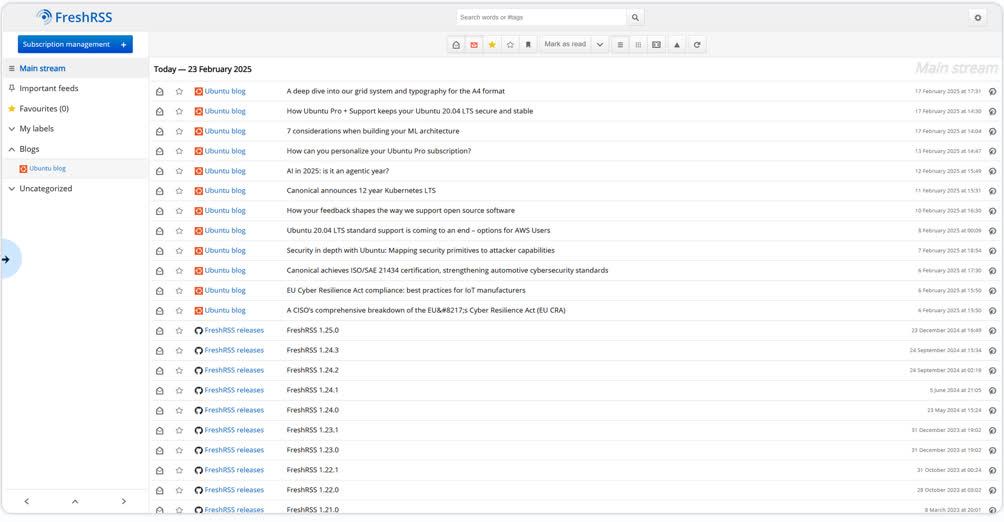
It’s a great app, runs very minimally on my home server and does just what I need – it keeps track of my news subscriptions, polls them periodically for new content, and displays those news stories to me whenever I’m ready to read them. It’s highly configurable and I’ve found the view I love to read in from day to day. Subcribing to feeds, managing them, reading on both desktop and mobile - it does all of that really well, out of the box. And in fact, you can tell FreshRSS the home page for many sites – like “https://usnewsandviews.com” – and it will figure out on its own if there’s a RSS feed there somewhere, as long as it’s in a standard place. There are many other FOSS and Freemium feed readers out there, but FreshRSS works best for me right now.
So great. That’s sorted. But then recently, I found there are a number of sites I wanted to follow which don’t offer RSS feeds. npr.org, for instance, and Lemmy and Mastodon and more. For instance, a band I love only posts on Instagram (Ewww….) so I needed a way to follow them, without subscribing to that evil service. I’ve been generally aware of apps which can generate an RSS feed for me but never checked them out before. I did some research this week though, and here’s what I found to be the most popular / recommended options. Thanks to Ethan Sholly’s SelfHst apps list and to the folks on Mastodon for these suggestions.
| # | RSS Feed Generator | License | How it works | Notes |
|---|---|---|---|---|
| 1 | FetchRSS | (proprietary) | cloud service with free and paid services | They host the feeds in their cloud, free and paid services (see their prices page) |
| 2 | OpenRSS | (proprietary) | cloud service with free services | Non-profit company, they serve the feeds, optionally accepts donations but no self-hosting option |
| 3 | RSS-Bridge | Unlicense | Self-hosted, PHP | Free, easy to install, well documented |
| 4 | RSSHub | MIT | Self-hosted, Node.JS/Puppeteer | Free, really popular, easy to install, really well documented |
So, #1 and #2 are out for me, since they are not FOSS and don’t offer a self-hosted option – but some folks might find them useful, so I included them here.
Comparing RSSHub and RSS-Bridge was more difficult for me. They both seemed to meet all of my criteria – free, open source software I can self-host, many stars on their Github repos (which usually equates to they’re popular and have been around a while / are well-maintained), and they can both run from Docker containers easily.
I ended up installing and using RSSHub, for these reasons:
-
It has no UI once installed. All the feed configuration is done in your chosen feed reader instead. Each time a request is sent to it from a feedreader, it gets the source data, converts and caches it and then returns it to the feed reader.
-
It has a long list of what they call “Routes” to web sites they know how to convert – https://docs.rsshub.app/guide/ – so I can pretty easily add a feed from a social media service, or other source to FreshRSS now whenever I think of one, by following their easy-to-learn patterns.
-
It has 40K stars on github so I know it will be around a while now and has lots of fans / documentation / a growing list of routes to consume. And there are a lot of existing public instances, if you want to use the service but don’t want to self-host the app.
Installing and configuring RSSHub was straightforward for self-hosters with a little experience:
-
I followed their instructions here: https://docs.rsshub.app/deploy/
-
I created my own copy of their compose.yaml file, tweaking the port # the service will listen on, and a few other small things.
-
I started it up with
docker compose up -das usual.
And then I checked that it’s running by visiting the URL for the service - http://192.x.x.x:3017 in my case.
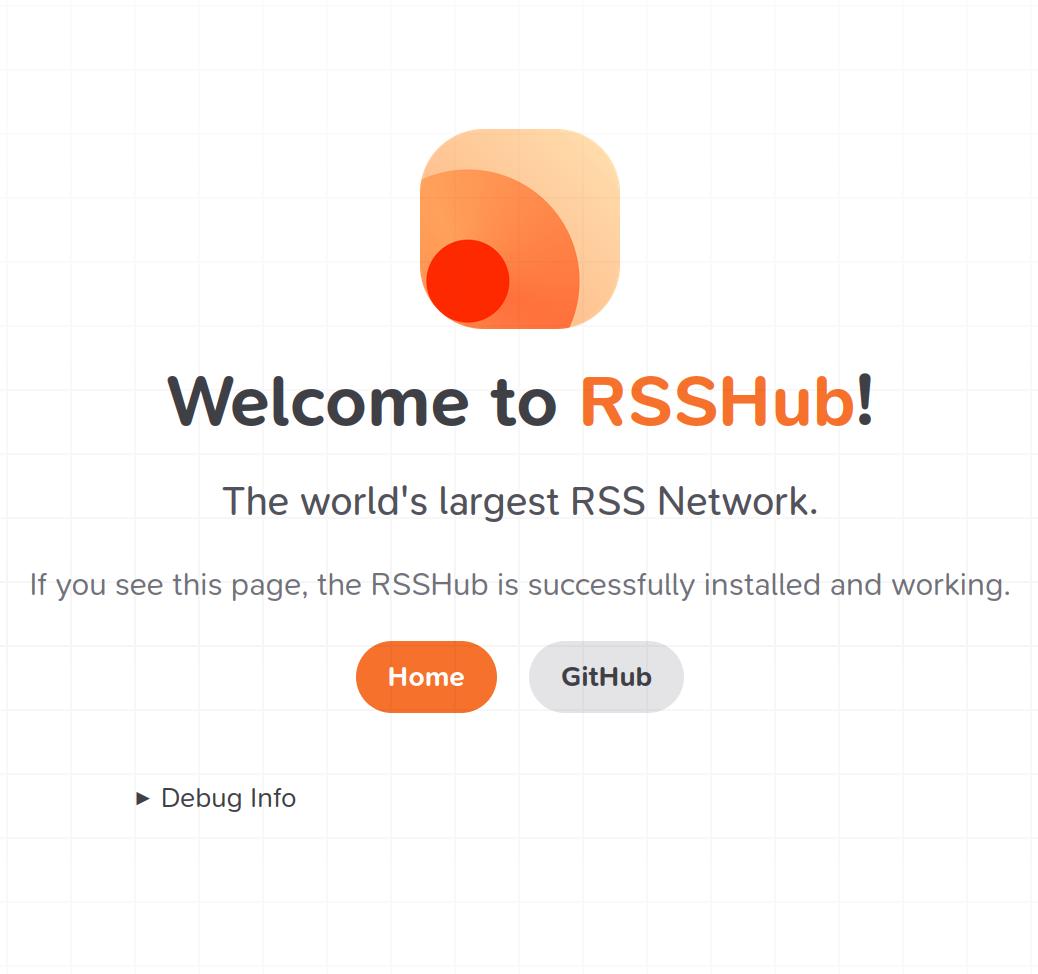
And yeah, that’s all I will ever see from that site. I can click that “Debug Info” link but all that shows is some server stats and ports and so on. RSSHub’s docker file includes four main parts: the server-side RSSHub app, Redis for caching, browserless and puppeteer-real-browser. Those last two services are the secret sauce inside RSSHub, that allow it to get news from any site, via scraping the page’s contents, even when the content is not structured in a RSS format.
So now then, to add a new feed to FreshRSS, I go to its Add Feed page, and give it a URL like this:
http://192.x.x.x.x:3017/lemmy/upliftingnews@lemmy.world/Hot
That:
- says get this news feed from my new RSSHub server (local, inside my LAN)
- tells RSSHub to find the data on a Lemmy server instance - lemmy.world
- tells RSSHub the community’s name - upliftingnews
- and says to use the “Hot” sort option, so I see the newest, “hottest” posts in that community.
Here are a couple more examples of feeds I’ve set up, so you can see the way different services are configured, all via the URL I subscribe to:
A favorite band’s Instagram account, via the picnob service - http://192.x.x.x.x:3017/picnob/user/thebreeders
NASA picture of the day - http://192.x.x.x:3017/nasa/apod
One thing to note about this, specifically for FreshRSS users – to work with an “HTTP” URL like mine, on the “Verify SSL Security” setting as you add links, you have to select the “None” option, or FreshRSS won’t add the feed (and the error you see is NOT helpful in troubleshooting that!).
So yeah then, the only other catch here is that RSSHub has to already have a Route to your chosen web site/service, so it knows how to scrape the site and return useful content. There are a LOT of routes in their list already, but that list clearly does not include every site you might want to read from. So they have documentation telling you how you can add a new Route to their list, but that requires defining some TypeScript the server will execute and being able to test it like a developer. Here, for instance, is the TypeScript file for the NASA Picture of the Day source. That’s not something the average user is going to do, but there is an option, at least.
All told then, this is great. I’ve been living with this for a few days and no issues so far. RSSHub works well and does’t put any real strain on my home server. I get access to new services I couldn’t read before, and it’s all based on FOSS tech. What’s not to love?
If you’ve used some other RSS generator, or have any tips or thoughts about RSSHub, share them in the comments or @ me on Mastodon (@peterries)
(Thanks to Madison Inouye on Pexels for the image)